Games
Games  Home
Home  Account

Betty Casino Login Ontario – How to Sign In
To log in to Betty Casino, click the ‘Log in’ button, enter your email and password, and confirm your location in Ontario. Whether you are a new player or returning, we will walk you through the Betty Log in process, profile registration and the essential verification steps required to keep your account safe.

How to Register at Betty Casino
Creating your Betty Casino register is a fast and rewarding way to join Ontario’s most popular slot community. New Canucks can often claim a Welcome Offer of up to 100 free spins immediately after finishing the simple sign-up process.
- Select Your Starter Game
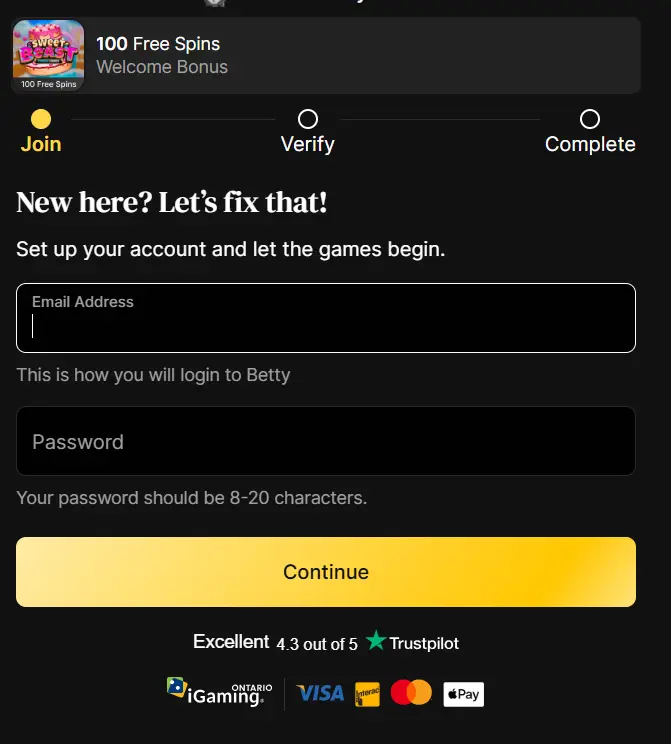
Click on the “Join Betty” button and you will be asked to pick one of nine featured games to play with your potential welcome bonus. As soon as you select, you have a 15-minute window to complete the rest of the form.
- Enter Account Credentials
Provide a valid email address, set a secure password and enter your mobile phone number. You will receive a confirmation link via email to verify the contact information you’ve mentioned during Betty Casino Sign Up.
- Provide Personal Details
Enter your full legal name, official home address, gender, birthday and occupation. This data is strictly required by AGCO regulations to confirm you are at least 19 years old and located in Ontario.
- Complete Identity Verification
Upload a clear photo of your government-issued ID, such as a driver’s license or passport. If your ID capture fails, you can manually enter your info or contact live support for immediate help.
- Make Your First Deposit
Choose a payment method like Interac, Visa or Mastercard to add as little as C$1 to your profile. Now you can immediately start playing your favourite games.
Safe and Legal Gaming Environment
To ensure a safe and legal gaming environment, Betty Casino verification follows strict Know Your Customer (KYC) standards set by Ontario regulators. These checks are necessary to prevent fraud, confirm you are of legal age (19+) and ensure you are physically located within Ontario.

Betty Casino Verification in Ontario: Documents and Requirements
Completing your verification not only secures your personal data but also unlocks the full benefits of the platform, including instant withdrawals that are often processed in under 10 minutes. Betty Casino verification time is taking no more than 5 minutes. There is a list of documents you’ll need to prove your identity.
| Document Category | Accepted Examples | Purpose |
|---|---|---|
| Proof of Identity | Ontario Driver’s License, Canadian Passport or National ID. | Verifies your full legal name and date of birth. |
| Proof of Address | Utility bills (gas, water, electricity) or bank statements. | Confirms you reside in a region where the casino is legally permitted. |
| Financial Proof | Bank statements or a picture of your payment card (middle 8 digits covered). | Verifies the source of funds and ensures secure payouts. |
| Biometric Check | A “liveness” selfie, sometimes holding your ID. | Ensures the person creating the profile matches the submitted ID mentioned during Bettycasino login. |

How to Betty Casino login in Ontario
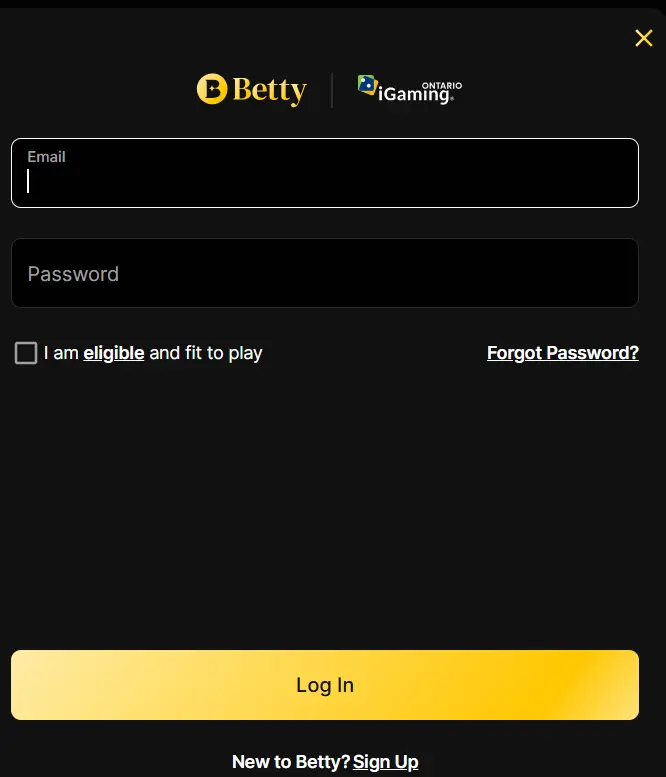
Accessing your account is a quick and secure process designed for both desktop and mobile users in Ontario. Whether you are a regular player or returning after a break, your Betty Login Casino is your gateway to thousands of slots and personalized rewards
- Locate the Bettycasino Login Button – Look for the “Log in” button, typically found in the top right corner of the homepage. If you are on a mobile device, this might also be accessible via the floating navigation bar at the bottom of the screen.
- Enter Your Credentials – Type in the email address you used during registration and your secure password. If you have forgotten your password, look for the “Forgot Password” link to receive a reset code via email.
- Confirm Your Location – To comply with iGaming Ontario regulations, your device’s location services must be enabled. The system will automatically verify that you are physically located within the province before allowing you to Betty sign in and place real-money bets.
How to Log In on iPhone and Android Devices
While there is a native iOS app available in the App Store, Android users can enjoy an identical “mobile-first” experience through their web browser without any loss of features.
- Launch the App or Browser – Open the app on your iPhone or navigate to Betty on your Android device.
- Tap “Log in” – Find the Betty Casino Login Canada button on the home screen or within the mobile navigation menu.
- Enter Credentials – Provide your registered email address and secure password.
- Verify Geolocation – Ensure your device’s location services are enabled, so the system can confirm you are physically within Ontario.
Advanced Security: SSL Encryption and Two-Factor Authentication
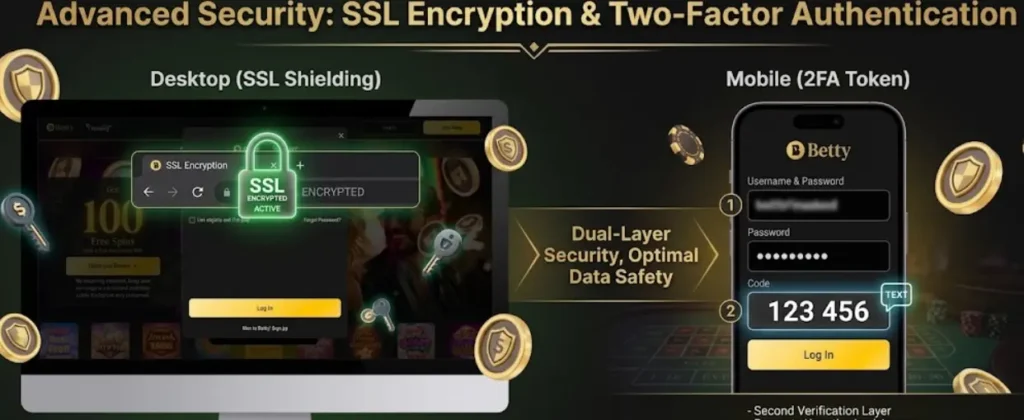
We use high-level banking security to keep your information safe during Betty Casino registration and every login. Your personal details are protected by 256-bit SSL encryption, which turns your data into unreadable code, so hackers cannot steal it. To further secure your account, you can enable two-factor authentication (2FA), which requires a second code from your phone or an app to Betty sign in.
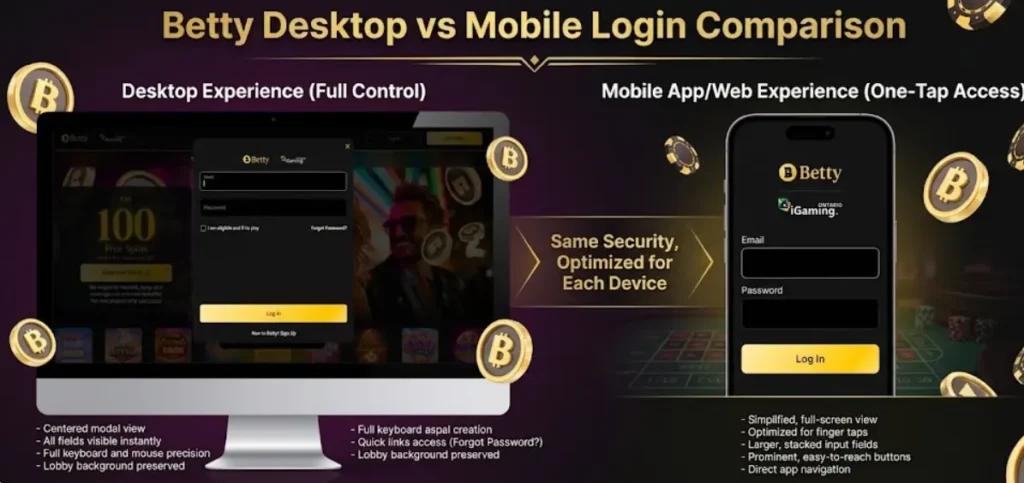
Desktop vs Mobile Login Comparison
| Factor | Desktop | Mobile |
|---|---|---|
| Login speed | Faster with stable internet | Faster with GPS enabled |
| Geolocation | Browser-based | GPS-based (more accurate) |
| Ease of use | Better for typing credentials | Better for quick access |
| Common issues | Browser/cache problems | Location-related issues |
| Access | Any browser | App or mobile browser |
| Security | High | High + biometric options |
Technical Hurdles and Login Errors
Signing in to your account at our casino is usually seamless, but some Canucks face simple technical hurdles. Most issues with your Betty Online Casino Login are related to incorrect details or local connection settings that are easy to fix. For example, if you see an “invalid login” error, double-check your email and password for typos. Ensure location services are turned on in your browser and phone settings and disable any active VPNs or location-altering tools. If you’re having problems with connection, update Google Chrome, Safari or Firefox to the latest version or try reinstalling our app to ensure compatibility with the latest features.
Recovering Forgotten Password or Email
Recovering your Betty Casino Log In is a simple and secure process designed to get you back to your games quickly. If you have forgotten your password, just visit the forgotten password page and enter your email address to receive a reset link with step-by-step instructions. If you cannot remember which email you used for your registration, you can reach out to the 24/7 human support team via live chat for immediate assistance in identifying your account and securing your Betty Casino log in.
Login Errors & Solutions
| Error | Cause | How to Fix | Resolution Time |
|---|---|---|---|
| Invalid email or password | Typo or incorrect credentials | Check spelling, Caps Lock, or use “Forgot Password” | 1–2 min |
| Location error (Ontario required) | Outside Ontario or location disabled | Enable GPS/location services and disable VPN | 1–3 min |
| Account locked | Too many failed attempts | Wait 15–30 minutes or contact support | Up to 30 min |
| Verification required | KYC not completed | Upload documents and finish verification | 5–15 min |
| Page not loading | Browser or internet issue | Clear cache or switch browser | 2–5 min |
| Login button not working | Ad blocker or outdated browser | Disable AdBlock and update browser | 2–3 min |
Most login issues can be resolved in under 5 minutes without support.
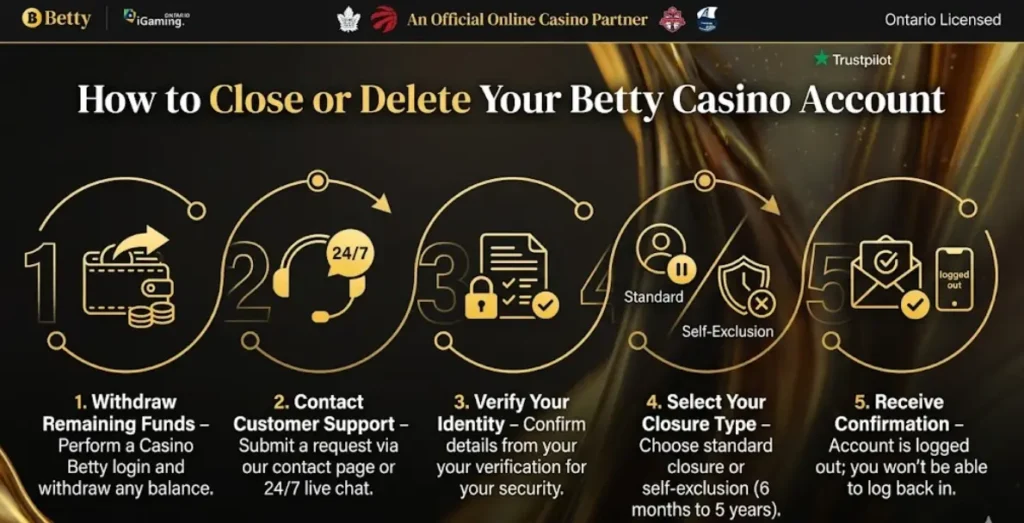
How to Close or Delete Your Bety Casino Account
If you decide that you no longer wish to use the platform, even right after Betty Casino register, we provide clear and transparent options for closing your profile.
- Withdraw Remaining Funds – Before starting the deletion process, perform a Casino Betty login and withdraw any balance currently in your account.
- Contact Customer Support – To initiate a permanent closure, you must submit a formal request via our contact page or 24/7 live chat.
- Verify Your Identity – For your security, a support representative may ask you to confirm specific details from your verification.
- Select Your Closure Type – You can choose between a standard profile closure, which can be reopened later or a self-exclusion period ranging from 6 months to 5 years.
Receive Confirmation – As soon as the team processes your request, your account will be immediately logged out, and you won’t be able to make a Betty Casino canada login.
FAQ
What should I do if I forgot my password?
Click the "Forgot Password?" link on the login screen and enter your registered email address to receive a password reset link.
How does the "Remember Me" feature work?
Toggle the "Remember Me" switch during your first login so the system securely saves your details, allowing you to skip typing your credentials next time.
Why can't I log in even though my promo code is correct?
Ensure your code hasn't expired; welcome offers typically last 7–30 days, while limited-time promos may expire within 24 hours to 7 days.
Is account verification required every time I log in?
No, but you must verify your phone number or email at least once for credits like Betty Coins to appear in your balance.
Can I use the same login for the mobile app?
Yes, use your standard credentials for both the iOS App Store version and the secure Android file download.
What happens if the game crashes after I log in and activate a bonus?
Your remaining free spins are saved for the duration of the original expiration period, which is usually 48–72 hours.
Is it safe to log in on mobile devices?
Yes, Betty Casino provides a secure login environment for both web and app users to ensure your data and transactions are protected.